LeafCMS
Template tags
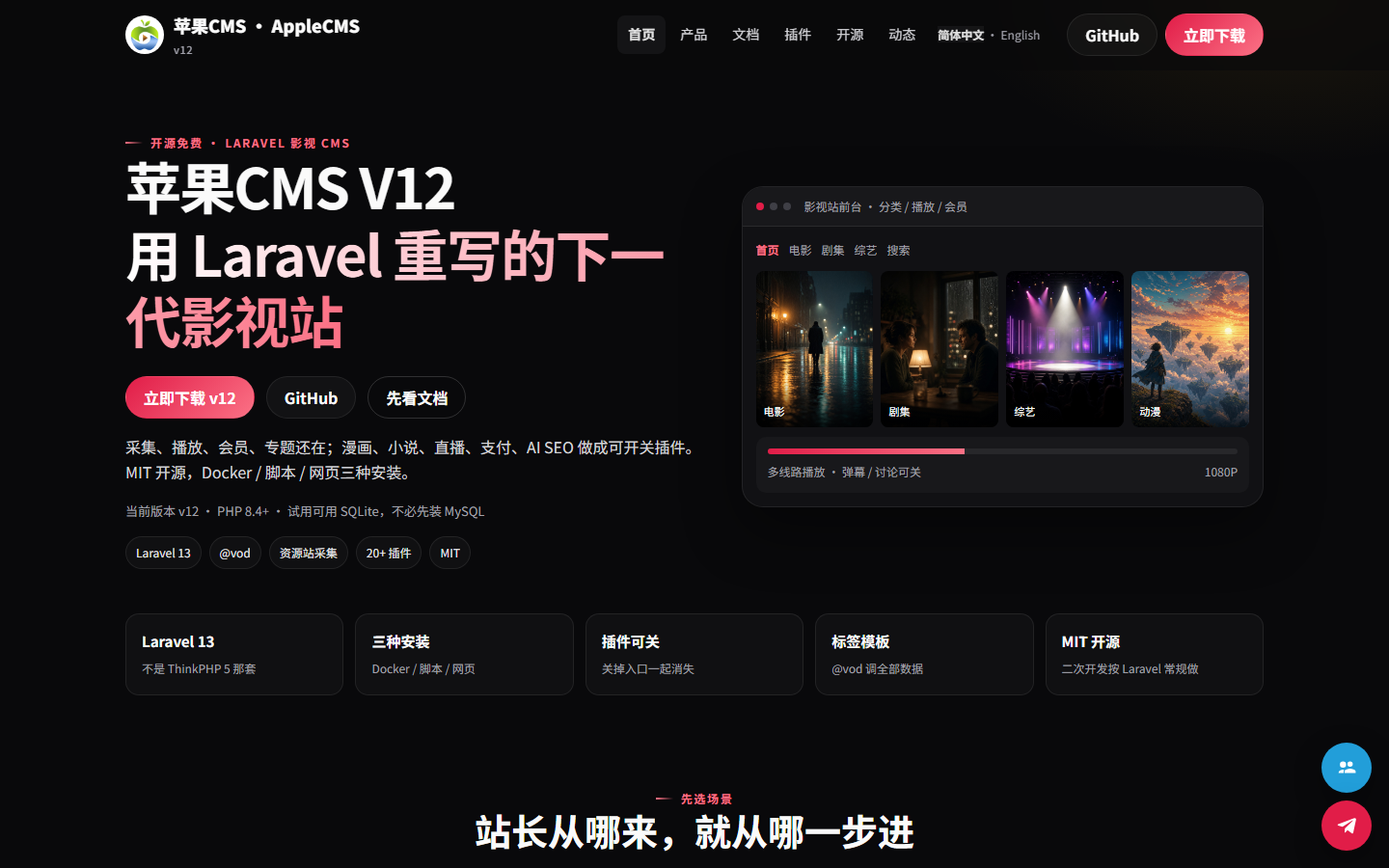
Navigation, lists, banners, pagination, and forms are tags in the page. Themes do not query the database.
Company sites, blogs, and multiple sites. News, products, jobs, and members are published in the admin. Themes pull that content with one set of tags. HTML is enough to change the look.
PHP 8.3 or newer. After install you can open the site and the admin. Change the initial account before going live.
Publishing, changing the skin, and running more than one site all happen in the same system.
Navigation, lists, banners, pagination, and forms are tags in the page. Themes do not query the database.
Articles, products, and downloads can have different fields. Published entries stay when you switch themes.
Several domains share one install. Each site keeps its own sections, entries, and members.
Visitors can register, sign in, save, and comment. Member submissions appear on the front only after review.
Public feeds can be written in on a schedule. The same source item is stored once. It does not crawl a whole site.
Pages can be written to static files or cached. After an entry or section changes, that page is built again.
Company, blog, download, and directory themes share one admin. Switching a theme only changes the front.
Install with Docker, the command line, or the web wizard. All three open the site and the admin.
Have PHP 8.3 and Composer. Docker also loads the demo content on first start.
Run the installer. Add the demo flag if you want sample sections and entries.
The front is what visitors see. The admin is where you publish and change settings. Replace the initial account before going live.
docker compose up --build

# 或命令行
composer install
php artisan key:generate
php artisan cms:install --demo
php artisan serveA new look is a theme folder. Copy one in the admin or upload a zip. The front keeps using the same tags.